OCR Online - Extract Text from Image and PDF
This free online OCR tool extracts text from images, screenshots, and PDFs with high accuracy, without any signup or registration.Up to 5 images, max 4 MB each
Results
Related Tools


Online OCR Converter - Convert Image and PDF to Text
OCR Online is a tool powered by optical character recognition (OCR) technology that accurately extracts text from images, screenshots, business reports, and PDF documents. Depending on image quality and text clarity, it can also extract text from handwritten notes and AI infographics.
Using this OCR converter, anyone can turn a photo to text instantly. Whether the images are in raw form or are inside a PDF or a screenshot, our OCR tool is designed to extract text from them efficiently.
How to Extract Text from Image and PDF?
OCRonline.io has made extracting text from images and PDFs much easier. To extract text from photos, PDF files, or documents with our tool, you just need to follow these steps.
Submit Your Input
If you want to extract text from PDF or image, first submit them to the tool. This can be done by various means, such as:
- By clicking the “Upload” button and selecting the file from your device. Our tool supports multiple file types, including PDF, TIFF, JPG, PNG, BMP, and more.
- By dragging the file(s) and dropping them inside the provided input field.
- By copying and pasting the file(s) inside the input field.
- Just enter the public URL in the designated field to extract text from online images.
Crop the Image (Optional)
OCR Online offers you the cropping functionality before converting image to text. This feature is optional and available only for image file types.
However, it is beneficial if you want to extract text from a specific part of the picture.
To crop images, click the “Crop” button. Once the cropper opens and you are done cropping, click “Save Image” to proceed.
Extract Text
To extract text from input images or PDF files, just click the “Convert” button. Within just a few seconds, our OCR converter will display results on your screen, which you can copy and download.

How OCR Online Works?
Our tool uses OCR technology to extract text from PDFs or images. Optical character recognition (OCR) is a technology that can identify readable characters (text) in images or files and extract them. To identify readable text inside images, OCR uses pattern recognition, then proceeds to isolate and extract it.
To extract text from supported image or document formats, our tool follows the following stages.
 Image Preprocessing
When you submit files for text extraction, the tool first prepares them for accurate recognition. For this, it fixes blur, adjusts orientation, removes white spaces, and cleans unwanted visual elements.
 Text Recognition
After processing the image, the tool scans the text inside it. For this, it uses pattern recognition that helps in distinguishing the text area from visual elements.
 Character Segmentation
The OCR engine breaks down the detected text into characters individually. Each character is isolated and analyzed to ensure correct interpretation.
 Text Extraction
OCR tool converts the recognized characters into machine-readable text. The extracted text is displayed instantly on your screen.
Key Features of Our Free OCR Converter
OCR Online is designed to make text extraction from images and PDF documents effortless. Our tool handles things smoothly, all thanks to the smart features it is equipped with.

Our online OCR extracts text from files with high efficiency. Ignoring the fact that the images are a little blurry or distorted.

It lets you extract text from images in a wide range of file types, including PNG, JPG, JPEG, WebP, GIF, BMP, HEIC, and more.

With online OCR converter, you can extract text from a batch of 5 files at once, with each not exceeding 4MB in size.

Our tool can perfectly detect mathematical equations in images and extract them without changing their formatting.

OCR converter is highly efficient at recognizing and extracting handwritten text from images, depending on the quality of writing.

Files uploaded to OCR Online remain completely secure. We never sell or share user data with any third party.

You can copy the extracted text with a single click or download it in various formats, including TXT, DOCX, and PDF.

OCR Online is currently available in multiple languages and accurately extracts text written in different languages.

Our free online OCR tool can detect and efficiently extract text written in microfonts that may be too small to read manually.
Applications of Online OCR Converter
Our online OCR tool is a practical solution for many everyday tasks, such as converting information from physical or image-based documents into digital text for editing, searching, storing, and processing.
Instead of typing the text manually, this tool helps data entry operators convert the hard (e.g., micro) text into a digital document instantly.
With our OCR text extractor, librarians can preserve texts in digital formats, especially for ancient materials.
Our tool eliminates the need for physical storage. Businesses can use it to organize physical documents into digital file formats.
With OCR online, anyone can transform a non-editable document into an editable one, i.e., TXT or DOCX.
Students and tutors can convert their notes from screenshots and handwritten pages to digital format with our OCR tool.
Frequently Asked Questions
OCR Online Converter is a free tool that extracts data from PDFs and images. For extraction purposes, they use optical character recognition (OCR), which can detect and separate readable characters from images and other file types.
Use OCR Online to pull text out from an image. Simply upload the image to our tool and click the Convert button. Our image to text extractor will instantly display the extracted text, which you can copy and download.
If you are submitting images to OCR Online from your device, you can extract text from up to 5 images at once. However, if you want to extract text from an online image by submitting the public URL, then you can process only one image at a time.
Yes, our Online OCR tool is a modern OCR extractor that can recognize text from rotated images. When the tool starts text extraction from images, it automatically corrects their orientation to straighten it and accurately recognize the text.
Using our OCR tool, you can extract text from images or PDF files in seconds. All you need to do is submit your file to the tool and click the Convert button.
Yes, our online OCR tool is completely safe to use for text extraction from images or PDFs. We don’t utilize your information in any way, nor do we share it with any third parties.
 Why OCR Fails to Recognize Text and How to Fix It
Discover why OCR fails to recognize text and how to improve it. Learn practical ways to fix OCR errors caused by blurry images, low resolution, layouts, and more.
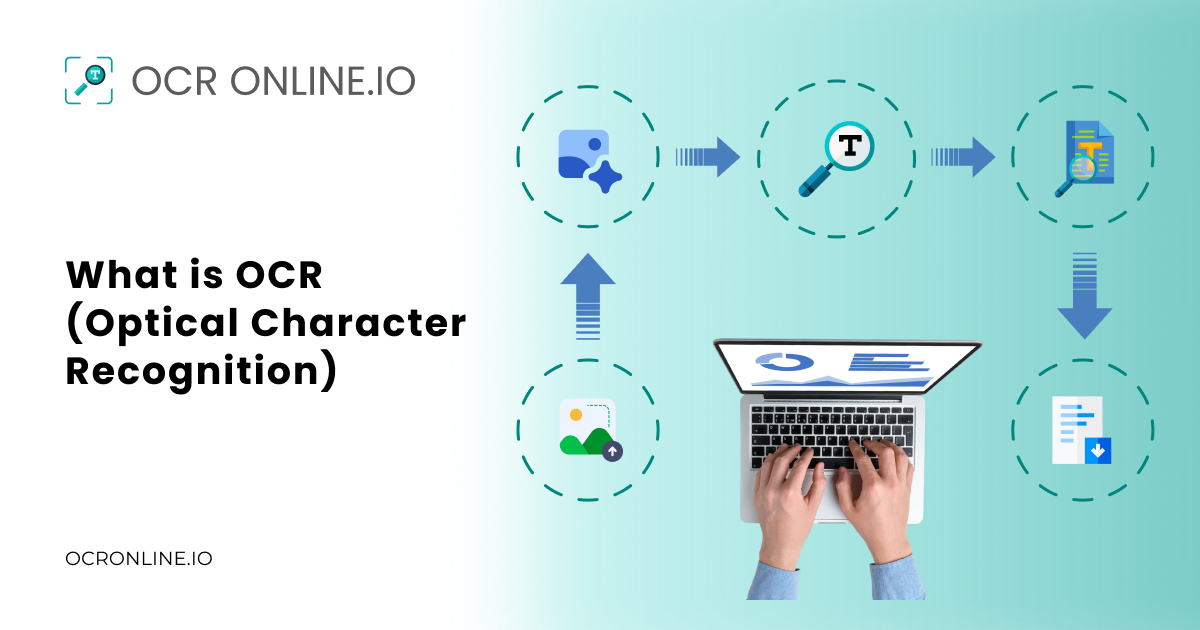 What is OCR (Optical Character Recognition)
Understand what OCR is, how it works, its types, benefits, and real-world applications for converting images and scanned documents into editable text.
 Extracting Text from Images & PDFs: A Step-by-Step Guide with Examples
Discover how OCR makes text extraction simple and efficient. Easy steps to convert photos or Images into Text anytime.
We Are Also Available in Other Languages